Private video rooms for your organisation.
Always on, always yours.
Privacy-first, permanent links, branded rooms — built for organisations that value discretion.
Privacy
Eavesdropping on your calls to sell you things.
Always private to your group and noone else.
Permanence
Meeting setup hassles every time.
Nexus rooms have permanent, branded links that never change.
Branding
Generic call interfaces with someone else's logo.
Your logo, your colours, your custom domain.
How Rooms Work
Admin creates room
Name it, brand it, set a custom domain.
Guests get a permanent link
One link, forever. No expiry, no codes.
Host admits guests
Guests wait in a branded lobby until admitted.
Call begins
Encrypted, private, on your infrastructure.
Designed for
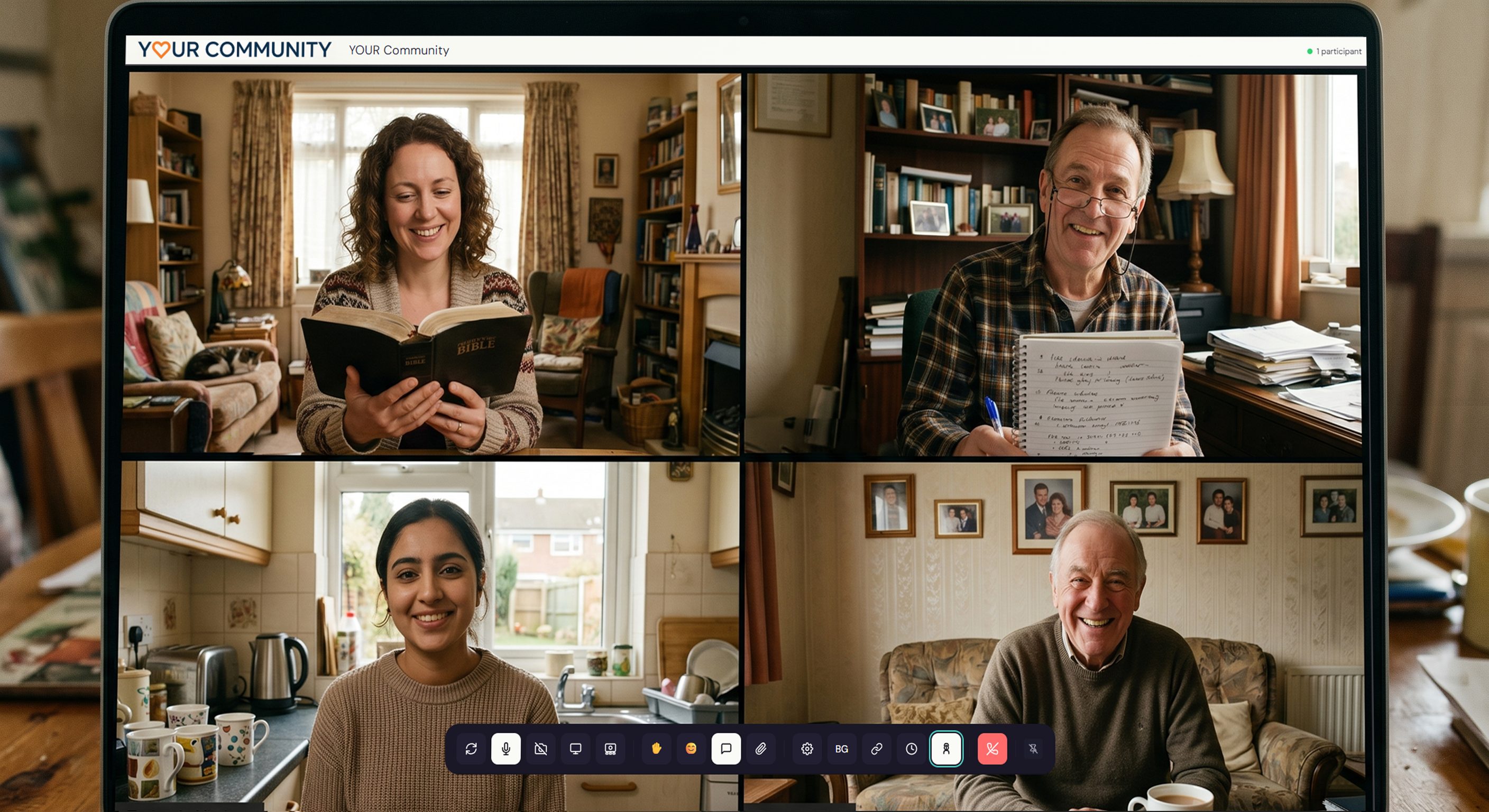
Therapists & Counsellors
A branded, private room for client sessions. Your subdomain, your colours, no 40-minute cutoffs.

Wedding Planners
Client consultations on your own domain. One permanent link your couples bookmark once.
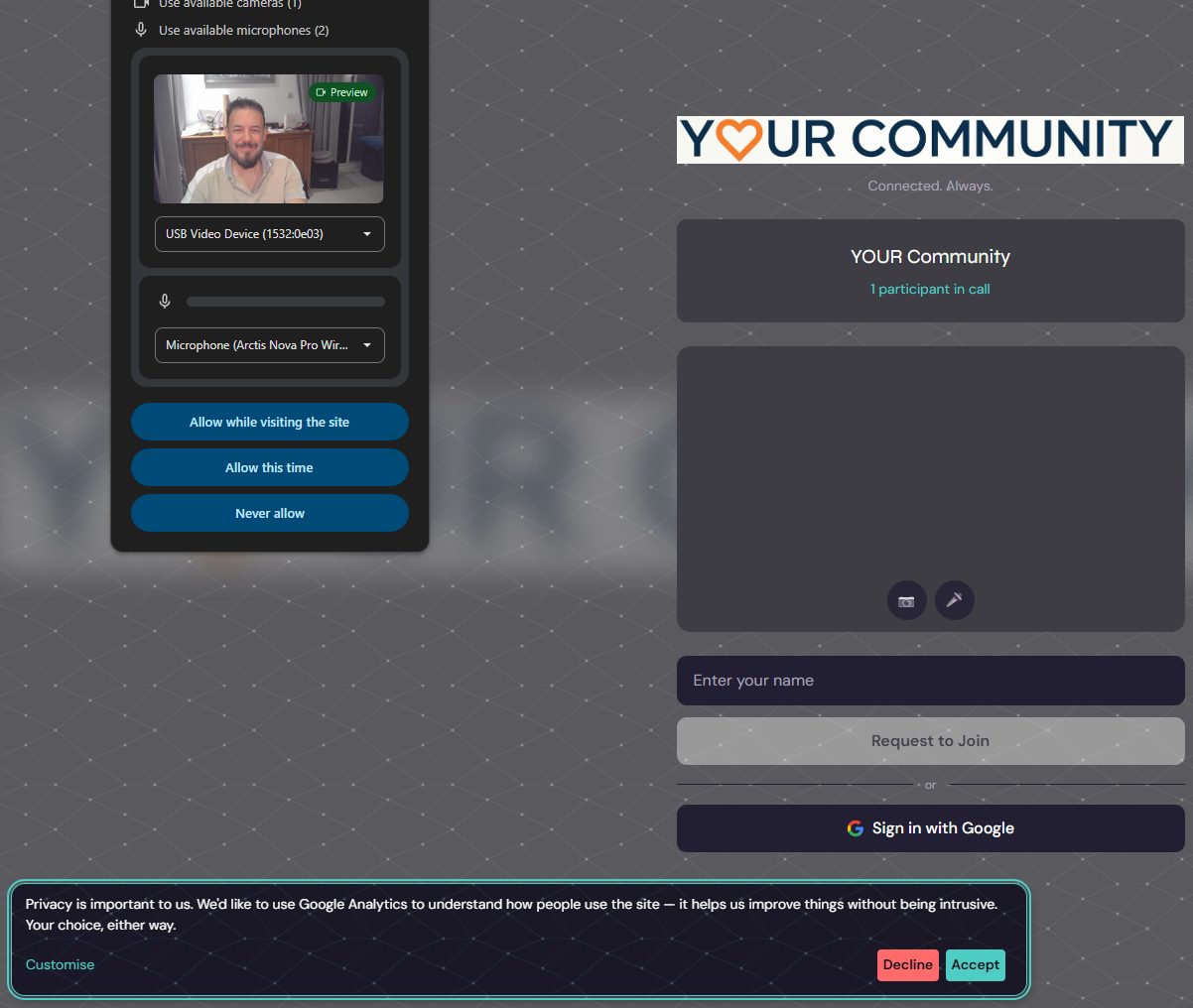
Small Charities
A permanent room for volunteer teams. One link in the welcome pack that works forever.
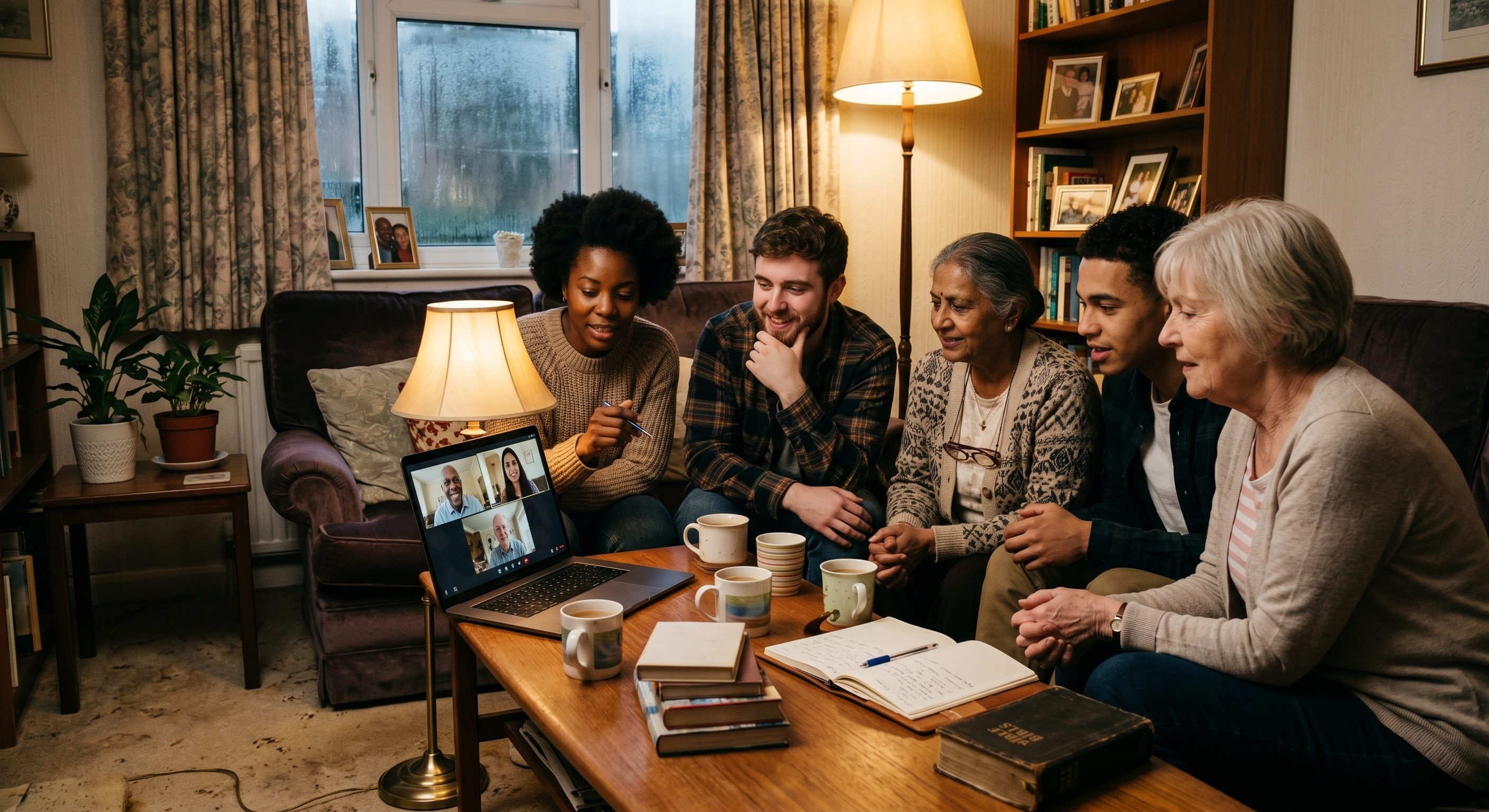
Church & Faith Groups
A private, branded room for your congregation. Bible studies, prayer groups, pastoral meetings.

Language Groups
Conversation practice in a consistent room. Same link every week, persistent chat between sessions.
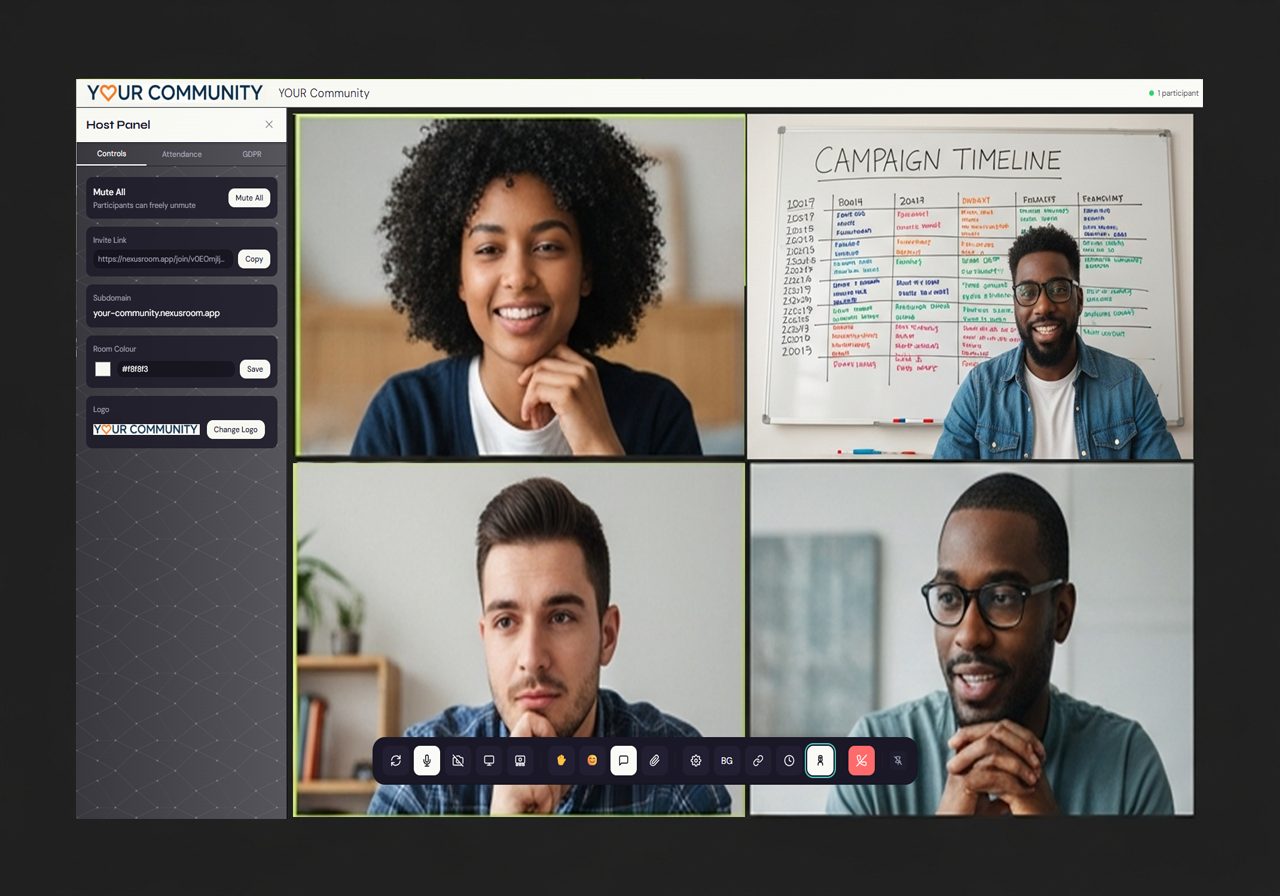
Climate Action Groups
Coordinate campaigns and working groups across the country in a room with your organisation on the door.
Simple, transparent pricing
Per-room pricing. Cancel any time.
Circle
£6 / room / month
Up to 4 participants
Group
£12 / room / month
Up to 8 participants
Club
£18 / room / month
Up to 12 participants